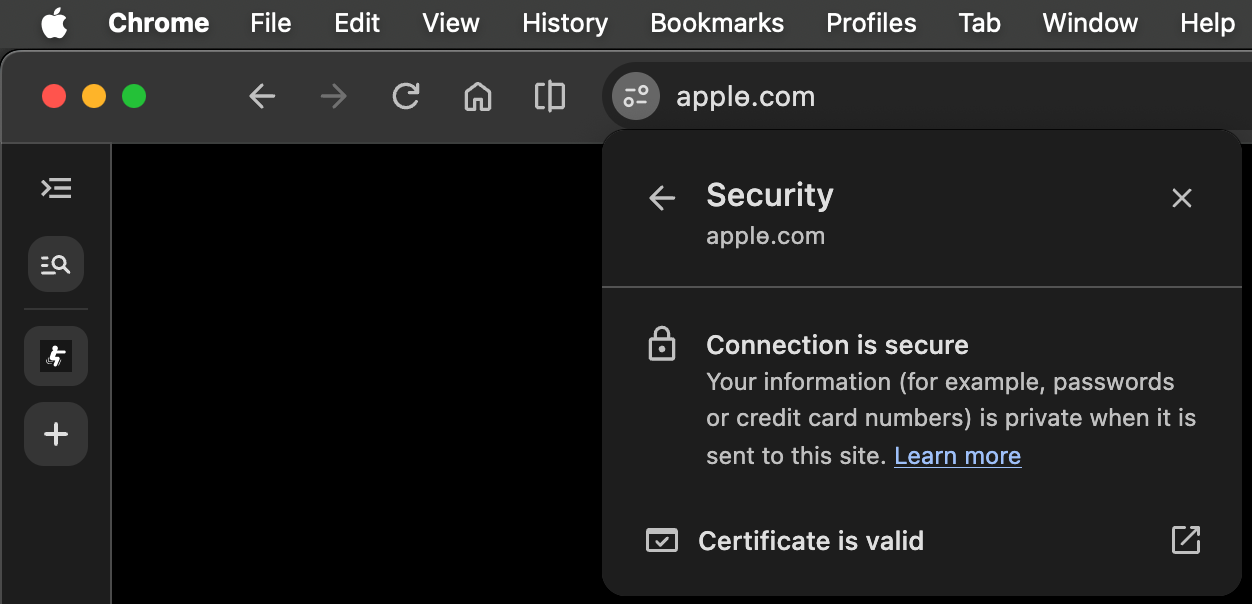
The address looks like apple.com. The padlock says the connection is secure. You type the password because both of those things have been true every other time. Researchers at Have I Been Squatted found two letters that Chromium browsers, including Chrome and Edge, will display as ordinary text even when the domain is a lookalike. The padlock is telling the truth about encryption. It is silent about whether you are on the site you meant.
How it works
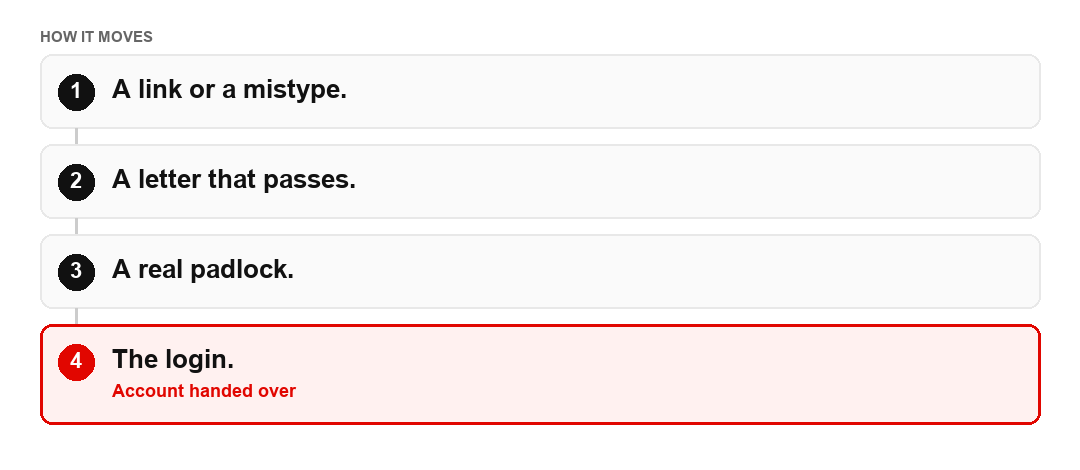
- You open an address you think you know, from a message or by typing it. A message is the more dangerous of the two, because you did not choose the letters.
- Since Chrome 154, stable on 22 September 2026, two letters fall through the lookalike checks, researchers found: ө and ƙ. They registered 20 domains this way. The name is shown as ordinary text, not as the punycode string a browser usually reveals when a domain is using another alphabet. Punycode is the ugly xn-- form. Hiding it is the bug.
- The certificate can still be valid. It was issued for the lookalike, not for the brand. A valid certificate for the wrong name still draws a padlock.
- A password typed there goes to whoever bought the name. A password manager that refuses to fill in is often the first honest signal. It remembers the exact letters. Your eyes smoothed them.
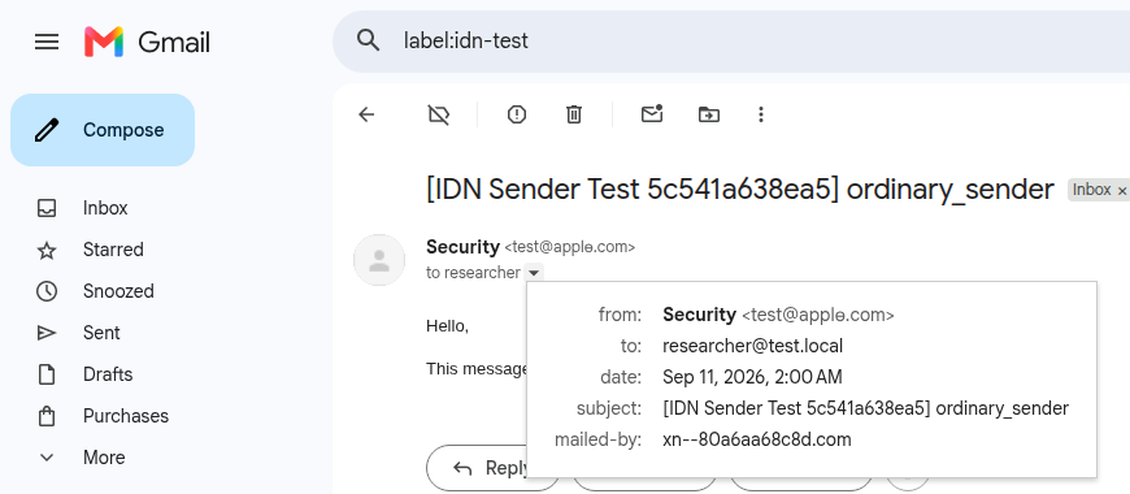
The second picture is the same trick in a mailbox. The sender reads as apple.com. The "mailed-by" line, if you open it, is the punycode domain. Most people never open that line. The message is counting on that.
Signs and red flags
A domain you reached from an email, an ad or a message, rather than from a bookmark or the app. A letter that looks slightly tall, barred or hooked if you enlarge it. A password manager that refuses to fill in. Any site that asks you to re-enter a password after you arrived from a link. If the manager hesitates, believe the manager. It is comparing strings. You are comparing shapes.
Cases and figures
The published examples include names that display like apple.com, space.com, okta.com and nike.com while using the extra letters. The Register summarised the finding on 10 October 2026. This is a display bug used as phishing, not a count of victims. There is no public total, in the research, for how much money has moved through these particular names. Twenty registered domains is a demonstration that the letters work. It is not a map of every lookalike already in someone's inbox.
What to do and where to report
Type the address yourself, or use the app. Do not log in from a link if the password manager hesitates. If you already did, change the password on the real site, the one you opened yourself, and turn on a second factor. Report the lookalike to the company being copied and, in the United States, to reportfraud.ftc.gov if you lost money or data. In the United Kingdom use Action Fraud.
If you were hit, start at Get help. A message that offers to secure the account you just "logged into", for a fee, is the next use of the same password: Fake recovery.
This is general information, not legal or financial advice. The rules and the figures change. If money has already left, contact the bank and the authorities through the help pages.