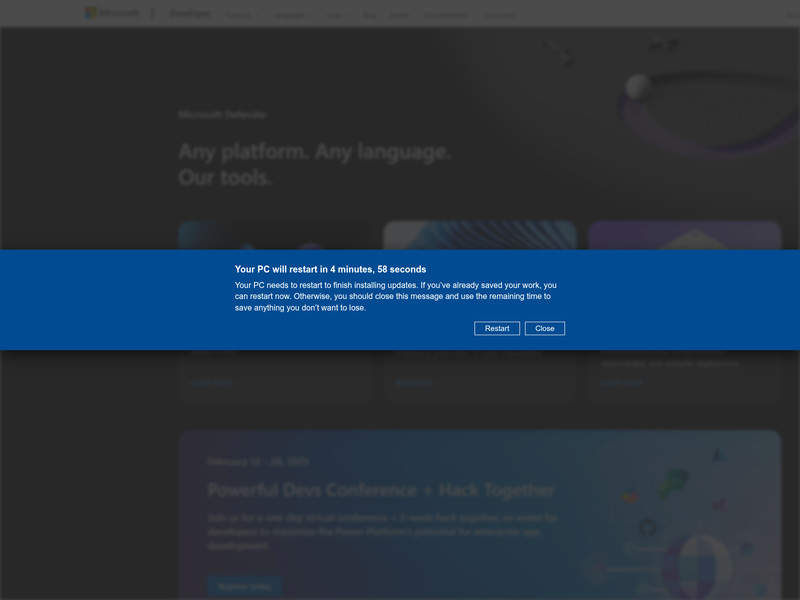
The alarm is the first thing. A page has taken over the browser, a voice says not to reboot, and a phone number sits in the middle of a warning that Microsoft has disabled the machine. Microsoft does not freeze a home PC and then print a support number over the browser. The page is an advertisement with the volume turned up. The sale, once you call, is remote control of the computer.
Infoblox has spent years watching one traffic system, which it calls Help TDS, that feeds people into that page and on to a call centre. The lock is a browser trick. The loss starts when the person on the phone is allowed to see the desktop.
How it works
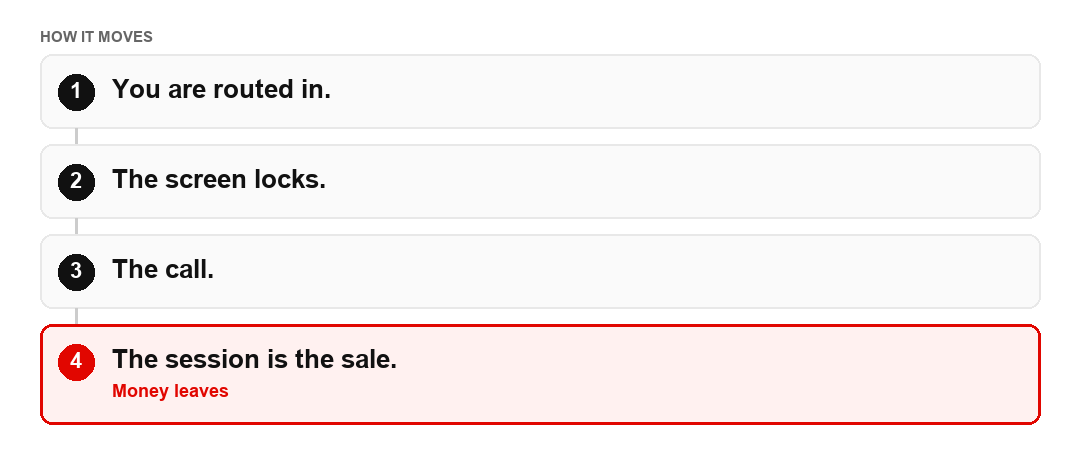
- The visit starts from a poisoned ad, a compromised site, spam or a social post. A traffic system checks the browser and decides you are worth sending on. A researcher looking at the same address may see a dull page. You see the lock.
- An update is "required". Whatever you click, the next view says Microsoft has disabled the machine. An alarm plays. A recorded voice says not to reboot. A support number sits in the middle.
- You call. Infoblox followed one call in June 2026. No charge, a question about work or home, then a request to download UltraViewer so the caller can see the desktop.
- The session is the sale. The lock is still only a browser page. The money, or the access to the bank that is open in another tab, starts when remote-access software is installed for someone who contacted you.
Signs and red flags
A security warning that can only be cleared by a phone call. A number printed on the page, rather than one you looked up. A helper who needs you to install AnyDesk, UltraViewer, TeamViewer or a similar tool. Those programs are legitimate remote-access tools. The scam is who asked you to install one, and why. A promise that the service is free, followed by a discovery of "deeper" problems, a refund, or a payment. The same operation has told its affiliates about a coming version that would force a browser extension onto the machine. Treat that as the same family, not a new brand. An extension that arrived because a locked screen told you to install it is the lock, moved one step closer to staying.
Cases and figures
Infoblox says the traffic system has been active since at least April 2017. Since April 2026 the scam pages have sat on disposable Cloudflare Pages addresses, the kind of web address that can be thrown away when it gets blocked. The company detected more than 20,000 such domains in six months, plus about 10,000 further pages it reads as phishing or decoys. Through mid-September it had flagged more than 16,000 domains that were later actually used, often about seven days before they went live. Affiliates were being offered on the order of 300 new domains a day. Those are infrastructure counts, not a count of people who paid. Three hundred new addresses a day is how the phone number survives being reported. The page changes. The call does not.
What to do and where to report
Close the browser. If the page will not go, force-quit it. Do not call the number on the screen, and do not install remote-access software for someone who contacted you. If you already did, disconnect the machine from the internet, change passwords from another device, and tell your bank if any payment or screen-sharing reached your accounts. Changing the password on the machine they can still see hands them the new one. In the United States report it at reportfraud.ftc.gov. In the United Kingdom use Action Fraud.
The longer pattern, including the jump from a scare into a courier or a cash pickup, is in Tech support scams: fear, urgency and remote access. If you were hit, start at Get help. A stranger offering to remove the scare for a fee is Fake recovery.
This is general information, not legal or financial advice. The rules and the figures change. If money has already left, contact the bank and the authorities through the help pages.